
Publish gate
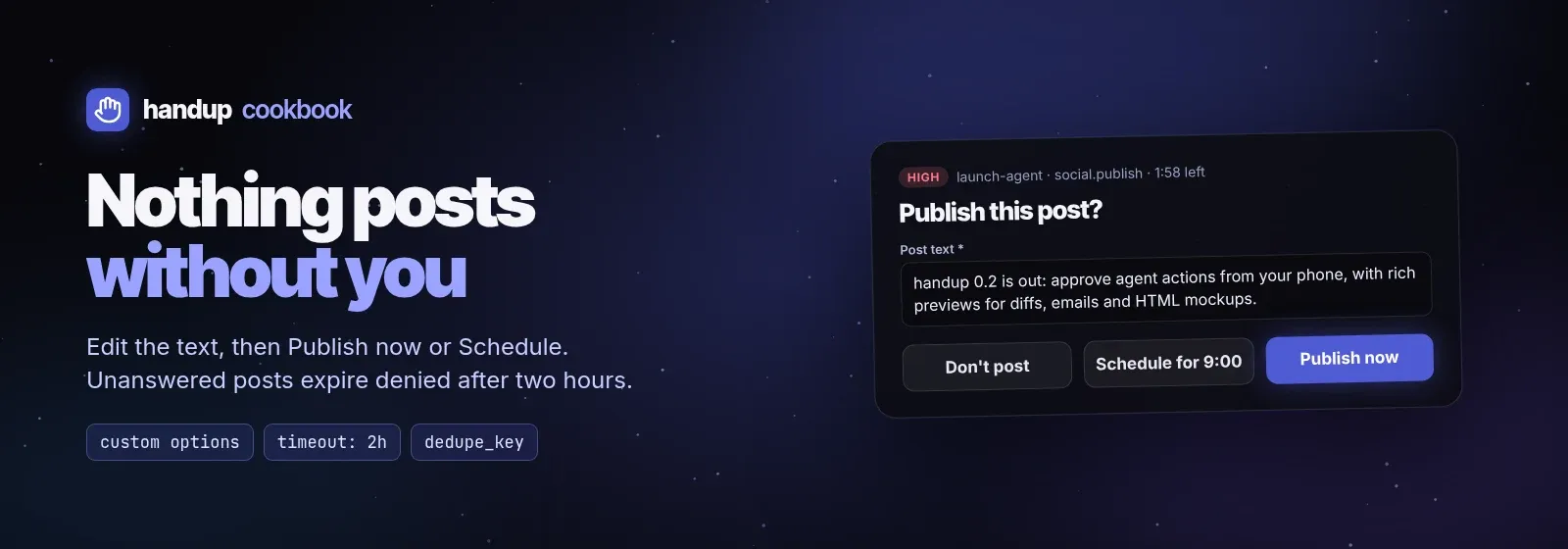
Agents that draft announcements, social posts, release notes or newsletters
should never publish on their own. This gate lets the human edit the text and
choose how to approve (now or scheduled), and makes silence safe: an
unanswered post expires as denied. Script:
examples/cookbook/publish-gate.sh.
sh examples/cookbook/publish-gate.sh examples/cookbook/post.mdThe request
Section titled “The request”{ "title": "Publish this post?", "summary": "Announcement draft, 160 characters", "kind": "review", "risk": "high", "tool": "social.publish", "source": {"agent": "launch-agent"}, "dedupe_key": "publish:78f6b4b8601e0d3c", "timeout": "2h", "on_timeout": "deny", "previews": [{"type": "markdown", "inline": "handup 0.2 is out: …"}], "input": {"fields": [ {"name": "text", "type": "textarea", "label": "Post text", "default": "handup 0.2 is out: …", "required": true} ]}, "options": [ {"id": "now", "label": "Publish now", "outcome": "approve", "style": "primary"}, {"id": "schedule", "label": "Schedule for 9:00", "outcome": "approve"}, {"id": "deny", "label": "Don't post", "outcome": "deny", "style": "danger"} ]}What each part does:
| Part | Effect |
|---|---|
Two approve options |
The human picks the path; decision.option is now or schedule |
textarea field with default |
The draft is editable in place; the edit returns as fields.text |
risk: high |
High-risk alerting; YOLO never approves it either, because it has a form and two approve options |
timeout + on_timeout: deny |
After two hours the request expires with a denied decision (exit 2) |
dedupe_key from a content hash |
Rerunning the agent on the same text returns the same pending request |
key=$(sha256sum "$post" | cut -c1-16)Reading the decision
Section titled “Reading the decision”The selected option id says which approval path was chosen; the edited text replaces the draft:
printf '%s' "$decision" | jq --rawfile text "$post" ' {when: (if .option == "schedule" then "scheduled" else "now" end), text: (.fields.text // $text)}'{"when": "scheduled", "text": "handup 0.2 is out: …"}Publish exactly that text once. Exit 2 (expired) and exit 1 (denied, with feedback on stderr) both mean do not post.
Variations
Section titled “Variations”- Multiple channels: add a
selector severalbooleanfields (post_x,post_linkedin,post_mastodon) and post only to the checked ones. - Images: attach the rendered card or screenshot as an
imagepreview (upload it withPOST /v1/blobsor pass a local path through the CLI) so the human approves the visual, not just the words. - Release notes: use a
diffpreview against the last published notes. - Long timeouts: for a post due tomorrow, use
timeout: "18h"; therequest.expiringhook event firesnotifications.on_expiringbefore the deadline so you can still answer.