
Cookbook: automated decisions
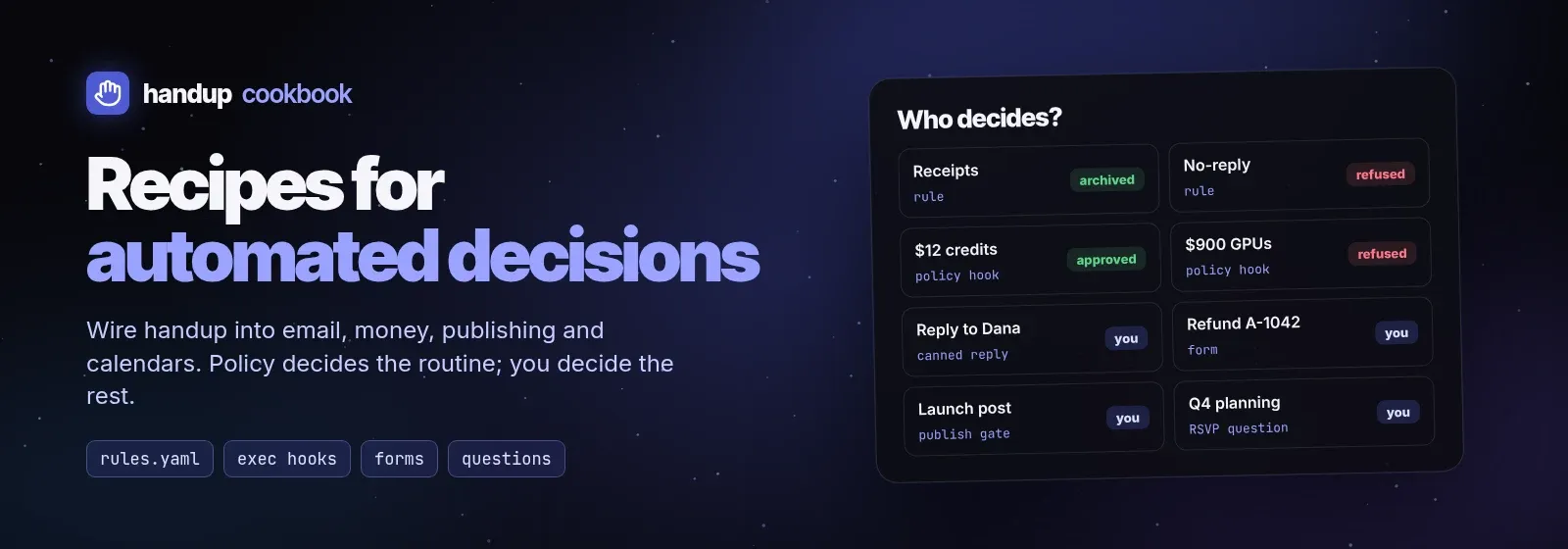
Advanced recipes for wiring handup into everyday automation: email, money,
publishing and calendars. Each one has a runnable script in
examples/cookbook/, the request it sends, and
how it reads the decision. They assume you know the basics from
Getting started and Custom agents.
| Recipe | What it shows |
|---|---|
| Canned email replies | Pick a reply template from option previews, edit the filled draft, send exactly what you approved |
| Route email by sender | Tag each proposed action with a tool name; rules: in config.yaml archive receipts, refuse no-reply senders, flag VIPs |
| Policy auto-decider | A decide: hook that decides what rules cannot express (thresholds, allowlists) and leaves the rest to you |
| Form approvals | Typed form fields (amount, reason, flags) the human adjusts before the agent acts |
| Publish gate | Editable post text, Publish now vs Schedule options, timeout that fails closed, dedupe |
| Meeting replies | Two questions in one card: RSVP with a recommended answer and multi-select slots |
Who decides what
Section titled “Who decides what”A request can be decided at four layers. Put each decision at the lowest layer that can make it safely:
- Your caller decides whether to ask at all. Anything it can do without side effects needs no request.
- Rules match fields you set on the request (
agent,kind,tool,risk,session,command,cwd,repo) and approve, deny, or ask, optionally overriding the risk. First match wins. - A policy hook (auto-decider) inspects pending request content and decides with code when a rule is too coarse.
- You decide everything left, on the desktop, phone, or
handup inbox.
The tool field is the bridge between your script and your rules: give every
kind of action a stable, specific name (email.archive.receipt,
spend.purchase, social.publish) and rules can treat each one differently.
Running the recipes
Section titled “Running the recipes”Every script submits through handup ask --request - --wait --json, so it
works against your normal daemon. To try them without touching your real
queue, run an isolated daemon as in Runnable requests
and decide from a second terminal (handup ls --json, handup approve ID,
handup deny ID -m why, handup answer ID --select LABEL), or from the app.
All scripts need jq. They print the approved action as JSON and exit 0 only
when it is approved or answered; every other exit (1 denied, 2 expired, 3
cancelled, 4 error) means do not act. None of them performs the action
itself: you pipe the output into your mail tool, payment API, or scheduler.
Safety rules for automated decisions
Section titled “Safety rules for automated decisions”- Only
approvedoransweredpermits the action. Denied, expired, cancelled, pending and errors never do. A nonblocking submit’s exit 0 is not an approval. - Act on what was approved. Apply
decision.fields(the human’s edits) and the selectedoption; never re-read the source and act on newer data. - Bind automated decisions to the content you inspected. Send the
content_hashyou read; handup rejects a decision for different content. - Rules and policy never execute anything. They only decide; your script still performs the action, once.
- Agents never grant themselves scopes or turn on YOLO. Those are human decisions.